Track ChatGPT traffic in GA4, and every other AI assistant
Pick the AI sources you care about. Copy one regex, one channel group and six setup steps. It all runs in your browser.
Your setup
0 of 6 done
Start with step 1: pick your sources.
How to track ChatGPT traffic in GA4, step by step
Step 1: Pick the AI sources to count
Tick each assistant you want in the channel. The common eight are ticked for you.
Step 2: Copy the regex
Pick your sources in step 1 first. The regex appears here.
Step 3: Open channel groups in GA4
Go to Admin › Data display › Channel groups. Copy the Default Channel Group and name the copy Default + AI. The copy keeps every default channel, including GA4's own AI Assistant channel.
Standard properties allow two custom channel groups. The copy uses one. If both are taken, add the channel to a group you already have.
Step 4: Add the AI channel
Click Add new channel and fill in these four fields.
AI assistantsDimensionSourceMatch typematches regexValue(the regex from step 2)Step 5: Move it above AI Assistant
Click Reorder. GA4 gives each session to the first channel it matches. The copied group already has GA4's own AI Assistant channel just below Organic Search, so drag AI assistants above it. Above Organic Search also works.
Your channel then takes every visit from your list. The built-in AI Assistant channel keeps the AI visits your list does not name. Left below it, your channel would only get what that channel leaves.
- Organic Video…
- Organic Search…
- AI assistants (yours)move here
- AI Assistant (built in)after
- Referralafter
- Email…
Step 6: Open the report
Save the group. Then open Reports › Acquisition › Traffic acquisition and switch the dimension to Default + AI. The group applies to past data, so the AI row fills in at once.
Read it as a floor: app and copy-paste visits still land in Direct.
How the GA4 AI traffic builder works
Pick your AI sources
Tick the assistants you care about. Each one adds its hostnames to the pattern.
Copy the regex and channel
You get one regex, or two when the list is long, plus the channel definition and where it sits in the group.
Paste it into GA4
Six steps in GA4 Admin, with a copy button on each field. Standard properties allow two custom channel groups, and the copy of the default group uses one. Nothing here is sent to a server.
Why AI referral traffic is undercounted
Read the AI channel as a floor. Some AI visits reach you with no sign of where they came from.
Leak 1
App clicks arrive as Direct
The ChatGPT and Perplexity mobile apps often open links without a referrer. GA4 files those sessions under Direct.
Leak 2
Copied links carry nothing
A buyer who copies your URL out of an answer and pastes it into a browser looks like a typed visit.
Help
Some links are tagged
ChatGPT adds utm_source=chatgpt.com to many links it shows, and GA4 reads that as the source. Other assistants vary.
What the regex and channel group catch
Each source adds the hostnames GA4 records as its source. GA4 gives each session to the first channel whose rule it matches, so the channel has to sit above the built-in AI Assistant channel, which in turn sits above Referral.
| Source | Hostnames matched | Source in GA4 |
|---|---|---|
| ChatGPT | chatgpt.com, chat.openai.com | chatgpt.com |
| Perplexity | perplexity.ai | perplexity.ai |
| Gemini | gemini.google.com, bard.google.com | gemini.google.com |
| Microsoft Copilot | copilot.com, copilot.microsoft.com, copilot.cloud.microsoft | copilot.com |
| Claude | claude.ai | claude.ai |
| DeepSeek | chat.deepseek.com | chat.deepseek.com |
| Grok | grok.com | grok.com |
| Meta AI | meta.ai | meta.ai |
| Mistral Le Chat | chat.mistral.ai | chat.mistral.ai |
| You.com | you.com | you.com |
| Poe | poe.com | poe.com |
| Duck.ai | duck.ai | duck.ai |
GA4's default channel group has its own AI Assistant channel (medium is ai-assistant) for visits whose referrer Google recognises. A copy of the default group keeps it. Your channel sits above it and takes every visit from your list; the built-in one keeps the rest. A custom channel group also applies to past data.
Reading your AI referral traffic report
Open Traffic acquisition with your new channel group. Check three things.
Landing pages
Which pages AI answers send people to. These are the pages the assistants trust enough to link.
Engagement
Engaged sessions and time on page for AI assistants next to Organic Search. AI visitors often arrive with a narrower question.
Key events
Sign-ups, demo requests or purchases from the AI channel. For trends, build an Exploration with the channel group by week.
What this setup can and cannot see
Clicks only
GA4 sees visits that arrive with an AI referrer or tag. An answer that names you without a click leaves no trace.
Direct leaks
App and copy-paste visits land in Direct, so the AI channel is a floor.
Your property only
It works on GA4 properties you can edit. It cannot estimate anyone else's AI traffic.
After the setup
GA4 counts the clicks. Firemark counts the answers.
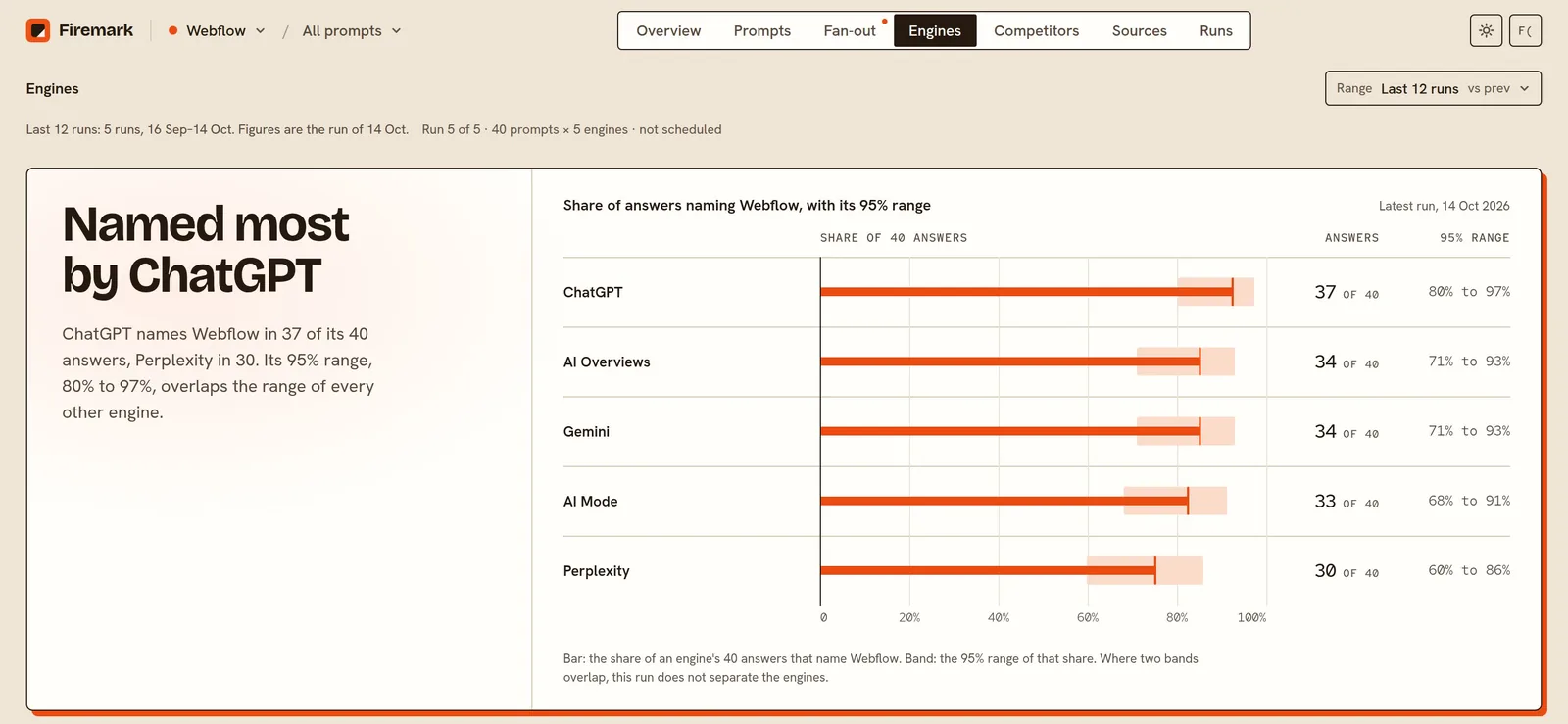
Most AI answers send no click, so a referral report shows a fraction of your AI visibility. Firemark asks your buyer questions on up to five engines (ChatGPT, Perplexity, Gemini, AI Overviews and AI Mode) on a schedule and keeps every answer for 13 months.
- 25 to 500 prompts, depending on plan
- Up to five engines: ChatGPT, Perplexity, Gemini, AI Overviews and AI Mode
- Daily, weekly or monthly runs against 1 to 10 competitors
- Every answer kept for 13 months
ChatGPT tracking · Perplexity tracking · Gemini tracking · How the method works · Pricing
Questions people ask
How do I track ChatGPT traffic in GA4?
Create a custom channel group with a channel for AI assistants, matched on source with a regex such as the one this tool builds, and place it above the built-in AI Assistant channel. Then switch Traffic acquisition to that channel group.
Why does ChatGPT traffic show up as Direct?
Clicks from the mobile apps and links copied out of an answer often arrive without a referrer. GA4 has nothing to match, so it files them under Direct.
Where does AI traffic appear in GA4 before I set anything up?
Visits from assistants whose referrer GA4 recognises land in its built-in AI Assistant channel. The rest mostly appear under Referral, with a session source such as chatgpt.com or perplexity.ai. Some appears under Direct.
Does a custom channel group change my past data?
It changes how GA4 groups your data, past and new. The raw data stays the same, and you can delete the group at any time.
Can GA4 show which prompt sent a visitor?
No. GA4 records the source and the landing page. The question the buyer asked stays inside the assistant.
How do I monitor ChatGPT traffic over time?
Save the Traffic acquisition report with your channel group to the report library, or build an Exploration by week. Check it monthly next to Organic Search.
Is AI referral traffic worth tracking if it is small?
Yes. It shows which pages AI answers send people to, and it grows as you are named more. Pair it with how often AI names you.
More free tools
Find out if AI recommends you
Start tracking your brand. New accounts get one free run.