Optimize content for AI search, one page at a time
Paste a page URL. See which checks it passes out of 10 and the three edits that lift the score most.
- No sign-up
- Results within 30 s
- 10 page checks an hour, 30 a day per visitor
Try an example:
How the checker reads your page
The checker fetches the URL once and reads the page's text: the first paragraph, the headings, lists, tables, links, dates and schema. It then runs 10 checks and scores the page from 0 to 100. The score is built for articles and guides: a page without Article schema skips the freshness and author checks.
The page is fetched from Firemark's servers and the result is kept for 24 hours, so the same URL checked again inside a day shows the saved result with the time it was made. How Firemark measures AI answers
The 10 content checks and what each one means
1. Content is in the HTML
The article text is in the page's HTML, before any script runs. Most AI crawlers do not run JavaScript.
2. Answer-first intro
The opening paragraph (the first of 12 or more words that is not a byline or dateline) runs 20 to 90 words and starts with the answer, not scene-setting.
3. Question headings
At least a third of the H2 and H3 headings, and never fewer than two, read as a question a reader would search.
4. Lists or tables
Steps, specs, prices and comparisons sit in a list or in a data table with a header row. Layout tables do not count.
5. Statistics
The page has figures that read as statistics: percentages, currency amounts, multipliers such as 2x, and millions or billions.
6. Sources cited
The main content links to other sites, so a figure can be traced to its source.
7. Structured data
JSON-LD for what the page is: an Article (or a subtype such as BlogPosting or NewsArticle), FAQPage, HowTo, Product or Service. A bare WebPage does not count.
8. Length
Enough words to answer the question and its follow-ups. Short pages warn or fail.
9. Freshness date
A published or modified date in the page's metadata, JSON-LD or a time tag. Within 12 months passes, up to 24 months warns. Checked on pages with Article schema.
10. Author
A named author in the page's structured data or meta tags, not only a visible byline. Checked on pages with Article schema.
How to optimize content for AI search engines
- Put the answer in the first 60 words. Restate the question in the title and answer it in one or two sentences. Detail comes after.
- Phrase headings as questions buyers ask. "How much coffee for 1 litre of cold brew?" tells an engine what the section answers. "Ratios" leaves it guessing.
- Move numbers, steps and comparisons into lists and tables. Engines lift rows and items without rewording them.
- Link every statistic to its source. A number with a source is one an engine can check and repeat.
- Show a real updated date and keep it true. Change the date when the content changes, and only then.
- Add Article schema that matches the page. The byline and dates in the schema should match what readers see.
What an answer-first intro looks like
Example · Before
"Cold brew has become one of the most popular ways to enjoy coffee at home, and for good reason. In this guide we will walk through everything you need to know..."
Example · After
"For cold brew concentrate, use 1 part coarse coffee to 4 parts water by weight and steep for 12 to 18 hours. For ready-to-drink cold brew, use 1 to 8. The rest of this guide covers grind, time and dilution."
SEO content guidelines that also help AI answers
Most advice for search still holds: one topic per page, a clear title, descriptive headings and fast pages. AI answers add two demands. The answer has to stand on its own when lifted out of the page, and each claim needs a source an engine can check.
Writing for both means answering early and backing each number. The same edits help a reader who skims.
After the check
A page ready to be quoted is step one.
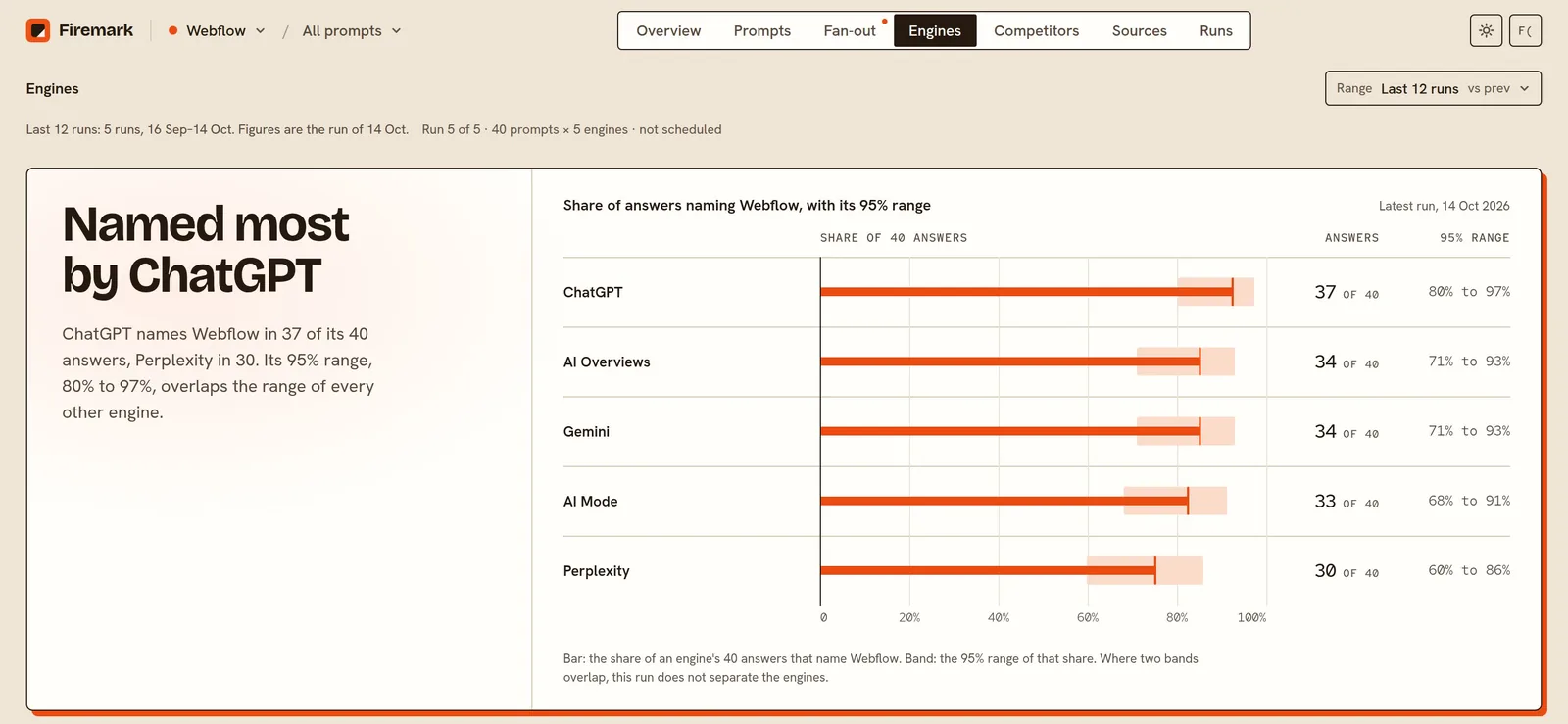
Firemark shows whether ChatGPT, Perplexity, Gemini, AI Overviews and AI Mode quote your pages, against the competitors they name instead.
- 25 to 500 prompts, depending on plan
- Up to five engines: ChatGPT, Perplexity, Gemini, AI Overviews and AI Mode
- Daily, weekly or monthly runs against 1 to 10 competitors
- Every answer kept for 13 months
Content checker FAQ
How do I optimize content for AI search?
Answer the page's question in the first 60 words, use question headings, put facts in lists and tables, link a source for every number, keep a true updated date and add matching Article schema. The checker shows which of these a page already does.
Do I need to rewrite my content for ChatGPT?
Rarely. Most pages need edits: a new intro, clearer headings, a table and source links. The checker ranks the edits by how many points each adds.
What is an answer-first intro?
An opening that answers the question in the title within the first one or two sentences. An engine that lifts those sentences gets a complete answer.
Do tables and lists help AI answers quote a page?
They make facts easy to find and lift without rewording. Ratios, prices, specs and steps work best in a table or list.
Does schema help content get cited?
Article and FAQ schema help engines read who wrote a page and when. No engine promises citations for schema, so treat it as a cheap clarity fix.
How recent does a page's date need to be?
The checker passes dates within 12 months, warns up to 24 months and fails beyond that. Change the date when you change the content, and only then.
Does this tool detect AI-written content?
No. It checks structure and evidence, whoever wrote the page.
Related free tools
Find out if AI recommends you
Start tracking your brand. New accounts get one free run.